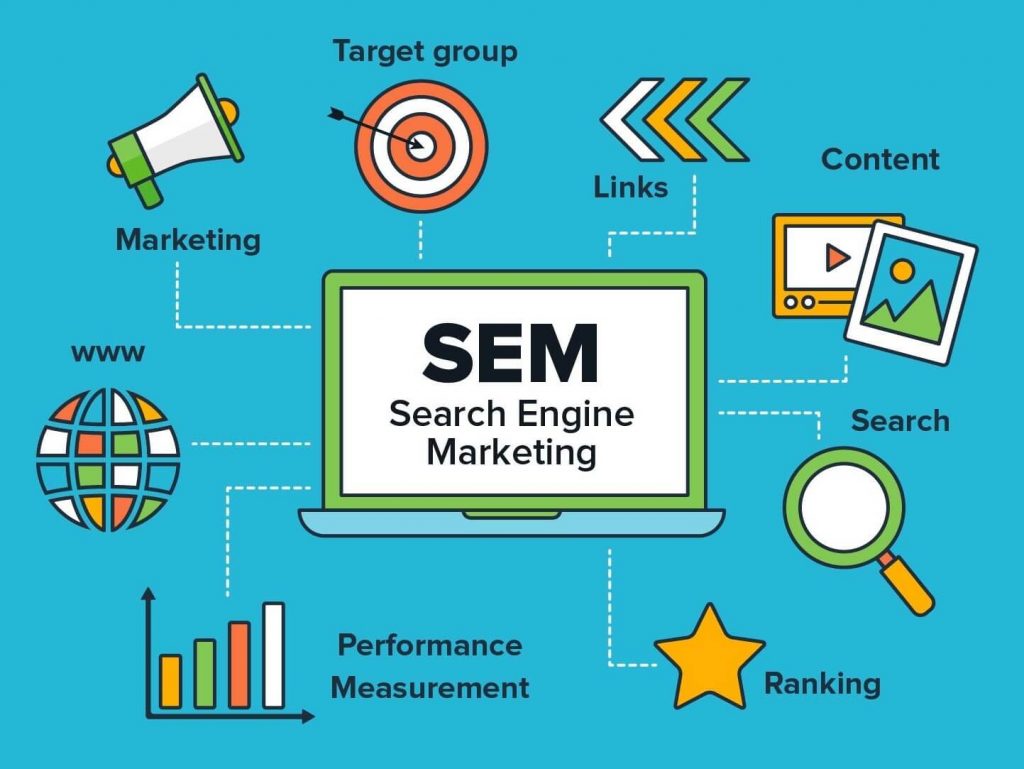
Search engine optimization plays a critical role in driving visibility for Shopify stores. Whether you sell clothing, digital products, or handmade items, optimizing your online store helps attract potential customers. By improving your site’s search rankings, you can reach a larger audience and increase revenue. Here’s how to ensure your Shopify site performs well in search engines.
Conducting Keyword Research
Begin by identifying relevant keywords that your target audience uses when searching for products. Utilize tools such as Google Keyword Planner, Ahrefs, or SEMrush to analyze search volume and competition. Focus on long-tail keywords as they target specific queries, often leading to higher conversion rates. For example, instead of “shoes,” consider “men’s running shoes with arch support.” These precise terms capture customers with clear intent.
Once you’ve chosen keywords, integrate them naturally across your website. Include them in product titles, descriptions, meta tags, and alt text for images. Avoid overstuffing keywords, as search engines penalize unnatural usage. Use variations and synonyms to maintain readability while enhancing relevance.
Optimizing Meta Descriptions
Meta descriptions provide a summary of your page content in search results. Craft unique, compelling descriptions for each page that include your primary keyword. For instance, a description for a page selling eco-friendly water bottles could read, “Shop sustainable, BPA-free water bottles designed for everyday use. Free shipping on orders over $50!”
Keep descriptions under 150 characters to ensure they display fully on search engine results pages (SERPs). Use actionable language to entice clicks, such as “discover,” “browse,” or “shop now.” Regularly review and update meta descriptions to align with changes in customer behavior and keyword trends.
Structuring Your Website for Search Engines
A well-organized website improves both user experience and search engine rankings. Begin by creating a logical site hierarchy. Group products into categories and subcategories to ensure visitors can easily navigate your store. For example, a fashion retailer might use categories like “Men,” “Women,” and “Accessories,” with subcategories such as “T-Shirts” or “Handbags.”
Shopify’s built-in tools allow you to generate an XML sitemap automatically. Submit this sitemap to search engines via Google Search Console to streamline indexing. Additionally, ensure your URLs are clean and descriptive. A URL like “shopify.com/collections/women’s-shoes” performs better than “shopify.com/products/12345.”
Enhancing Page Load Speed
Fast-loading pages improve user satisfaction and boost rankings. Begin by compressing images using tools like TinyPNG or Shopify’s built-in image optimization features. Limit the number of apps and plugins, as each adds to loading times. Choose lightweight, efficient themes optimized for speed.
Implement lazy loading for images and videos so they load only when visible on the screen. Minify CSS, JavaScript, and HTML code to reduce unnecessary elements. Use a content delivery network (CDN) to distribute content across multiple servers, ensuring faster load times for users worldwide.
Crafting High-Quality Content
Using an agency like InView Marketing as a content partner to regularly publish blogs, guides, or product-related articles attracts traffic and establishes authority. For example, a store selling fitness equipment could publish blogs like “Top 10 Exercises for Beginners” or “How to Choose the Right Dumbbells for Your Workout.”
Incorporate keywords naturally within your content while addressing common questions or pain points. Break text into short paragraphs with headings and bullet points to improve readability. Include internal links to related products or pages, encouraging users to explore more of your store.
Utilizing Alt Text for Images
Alt text describes images to search engines and improves accessibility for visually impaired users. Write concise yet accurate descriptions for each image. For example, “Blue ceramic coffee mug with a white handle.” Use keywords when relevant but avoid overloading alt text with unnecessary phrases.
Include alt text for product photos, banners, and other visual elements. This practice not only boosts rankings in image searches but also enhances the overall SEO of your site.
Building Trusted Backlinks
Links from reputable websites signal credibility to search engines. Reach out to industry blogs, influencers, or partners for collaboration opportunities. For instance, a skincare brand might partner with beauty bloggers for product reviews and backlinks.
Create shareable resources such as infographics or how-to guides. Encourage satisfied customers to leave reviews on third-party platforms like Yelp or Google My Business, which often include links back to your store. Prioritize quality over quantity when building backlinks, as spammy links can harm your SEO efforts.
Optimizing for Mobile Users
Mobile traffic accounts for a significant portion of online sales. Ensure your Shopify theme is responsive and adapts seamlessly to different screen sizes. Test navigation, checkout processes, and page load times on mobile devices.
Simplify forms and ensure buttons are easy to tap. Use larger fonts and high-contrast colors for better readability. Providing an effortless mobile experience not only improves SEO but also increases conversions.
Leveraging Shopify SEO Apps
Shopify’s app store offers tools to enhance your SEO efforts. Popular options include Plug In SEO and SEO Manager. These apps provide actionable insights, automate tasks like fixing broken links, and track performance metrics.
Evaluate each app’s features and select those that align with your goals. For example, some apps specialize in optimizing meta tags, while others focus on generating schema markup. Regularly review app performance to ensure they continue to meet your needs.
Analyzing and Adjusting
SEO requires ongoing monitoring and adjustments. Use tools like Google Analytics to track organic traffic, bounce rates, and user behavior. Identify high-performing pages and replicate their success across other parts of your store.
Address issues such as broken links, outdated content, or declining traffic promptly. Stay informed about algorithm updates and adjust your strategy accordingly. Regular optimization ensures your site remains competitive and visible.
Elevate Your Shopify Store’s Potential
A well-executed SEO strategy transforms your Shopify store into a traffic magnet. By focusing on keyword selection, page speed, and mobile optimization, you lay a strong foundation for long-term growth. Consistently update your efforts based on data insights, and you’ll see both visibility and sales improve over time.